Automatic Table Combinations for Group Reservations
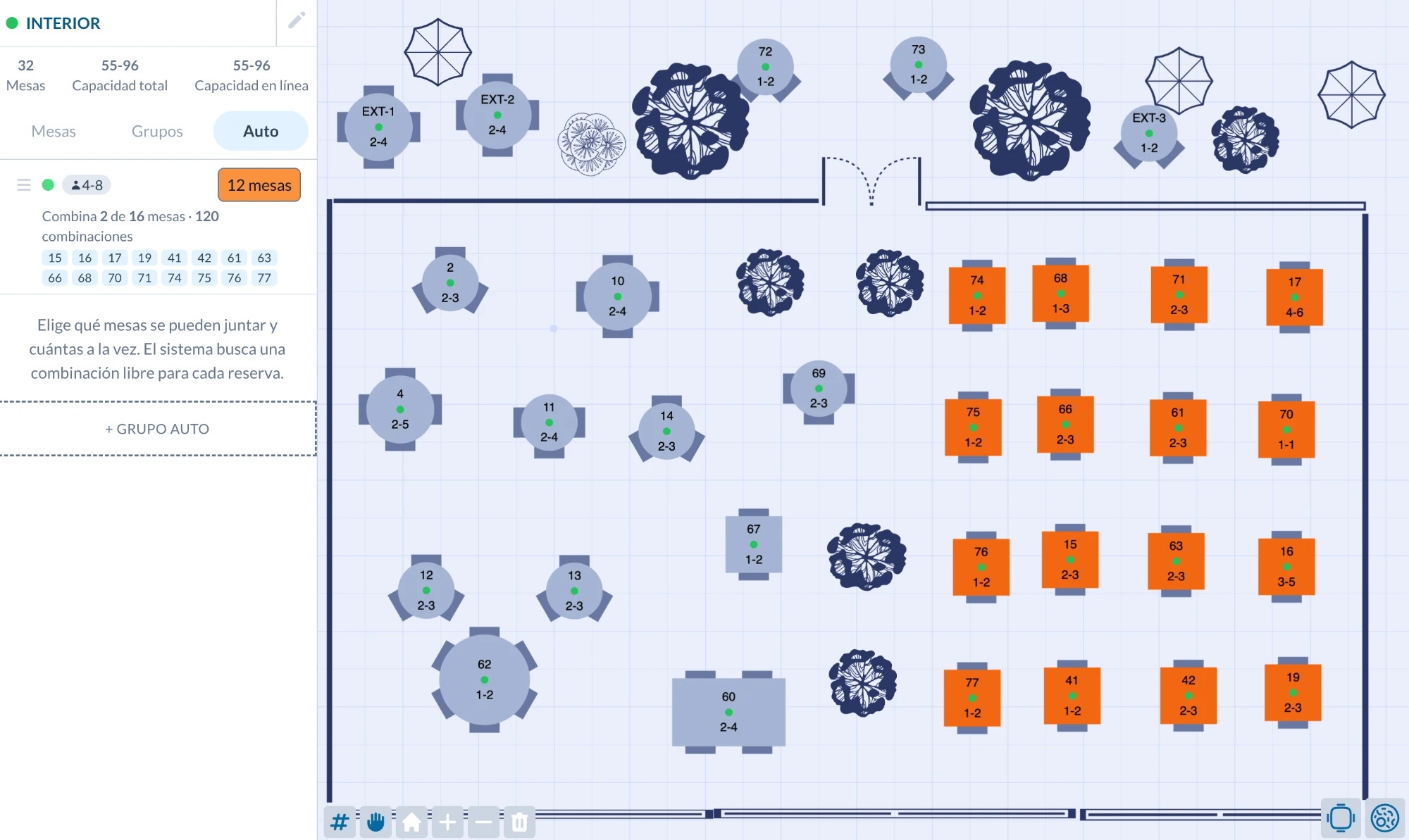
Combine tables automatically for group reservations
When a party is too large for one table, somebody has to decide which tables to join. Alex Reservations does it for you. You define a rule once, such as "any 2 of these 16 tables, for 4 to 8 guests", and the system joins free tables for every group reservation that fits.
You do not create the combinations one by one. A rule that combines 6 tables out of 20 covers 38,760 combinations, and it takes a minute to set up.
How automatic table combinations work
- In the floor plan editor, open the Auto tab.
- Choose the tables that can be joined with each other.
- Set how many tables are joined for one reservation, from 2 to 10.
- Set the minimum and maximum number of guests.
From then on, each reservation is checked against your rules. If enough tables of a rule are free at that time, the reservation is accepted and the tables are assigned.
The system picks tables that make sense
- Single tables first. A party that fits in one table gets one table. Tables are joined only when it is needed.
- Your manual groups second. Fixed combinations you created by hand keep their priority.
- The smallest rule that fits. Large combinations stay free for large parties.
- Neighbouring tables. The system joins the free tables that are closest to each other on your floor plan. Move the tables and the next reservations follow the new positions.
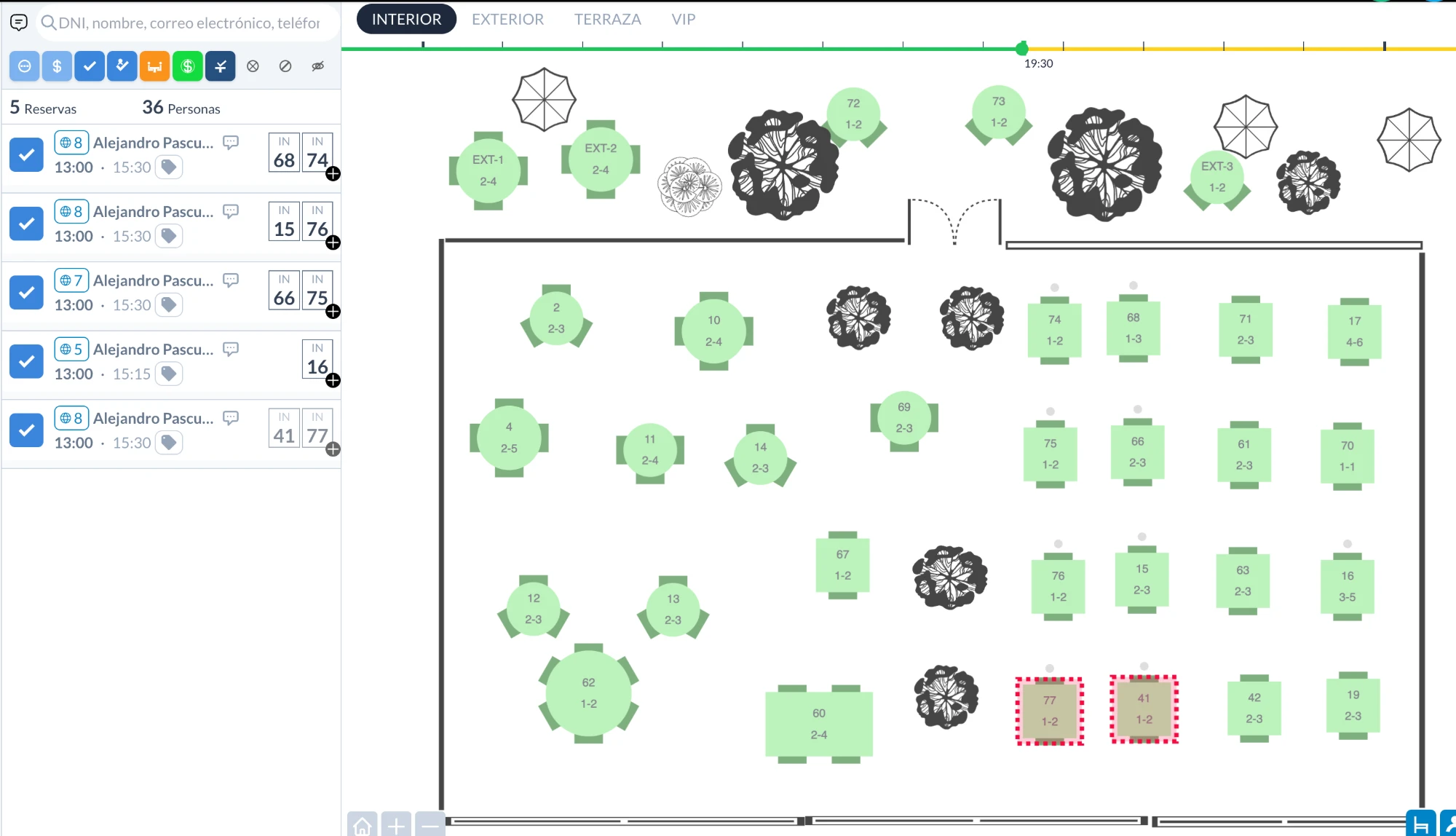
Several rules for the same room
Create one rule for pairs of tables, another for parties of ten, another for the terrace. A table can belong to more than one rule, and each rule has its own switch for online reservations.
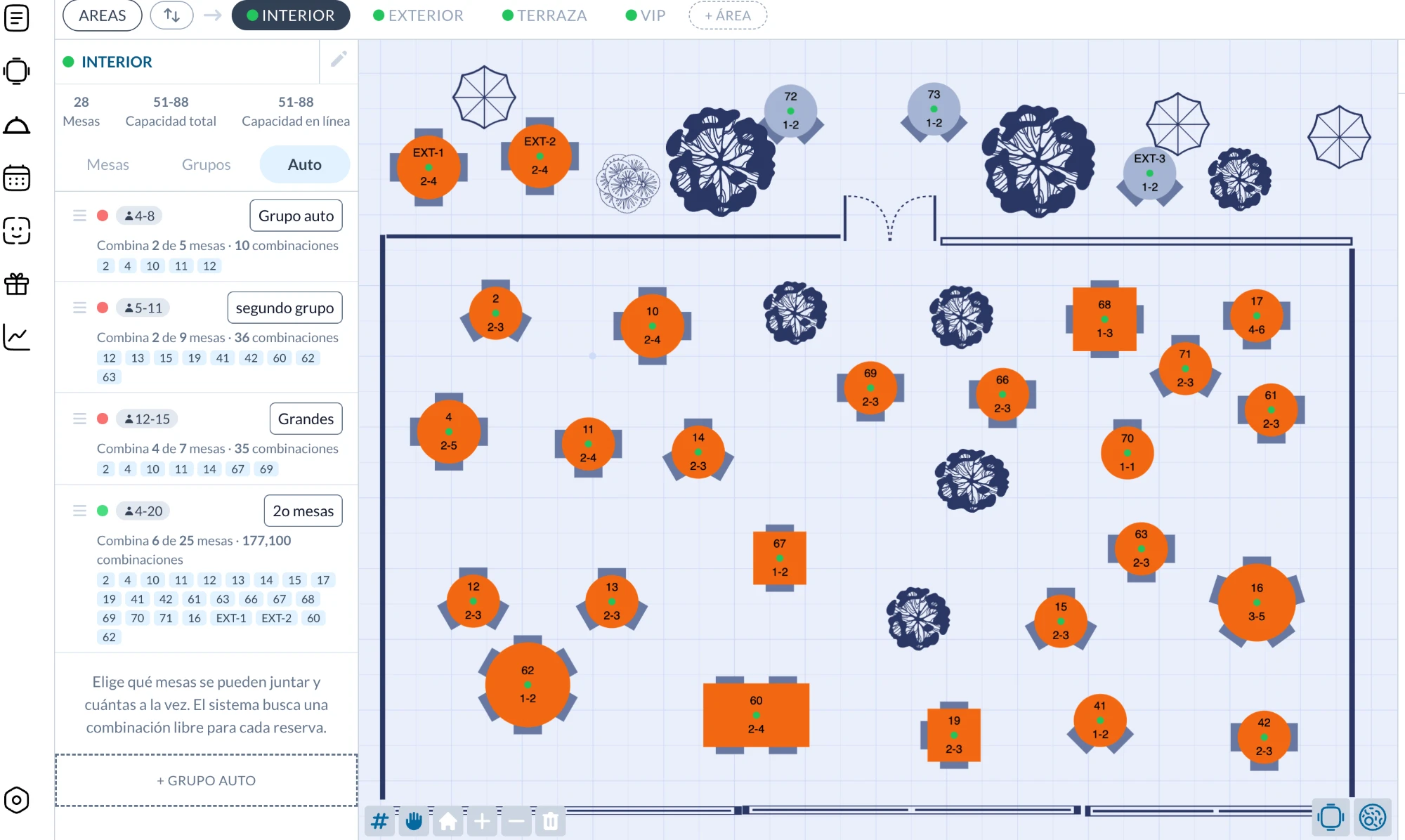
Large parties booked online
A reservation for 12 guests can be seated on six small tables without a phone call. The booking form accepts the group whenever the room can really seat it.
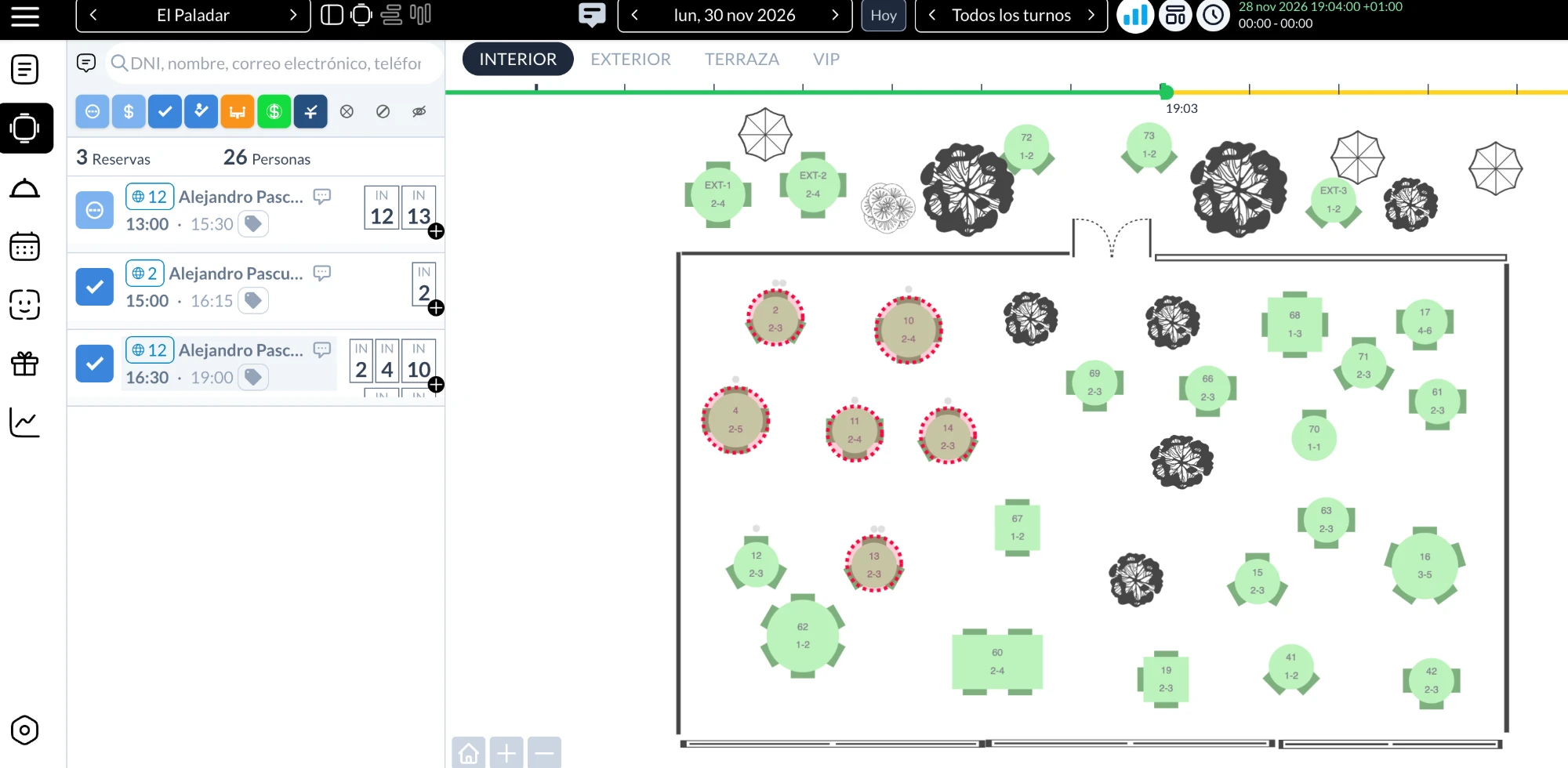
What it is good for
- Fewer lost group bookings. The form no longer answers "no availability" while there are free tables that could be joined.
- Minutes of setup. One rule replaces hundreds or thousands of manual table groups.
- Fewer phone calls. Groups book online like any other guest.
- Works with your shifts. In a shift that offers only some tables, a rule combines only those tables.
It is most useful in rooms with many similar tables: banquet halls, terraces, beer halls and restaurants that take group bookings often.
A note on what it does not do: automatic combinations are used in the "All Tables" and "Some Tables" reservation modes. Shifts that use table schedules or table layouts do not use them.
📖 Documentation
Step-by-step guides for this feature:
This feature is part of Alex Reservations, the WordPress restaurant booking plugin that runs on your own website with 0% commission.